how it works
Real Tax Free in just a few steps
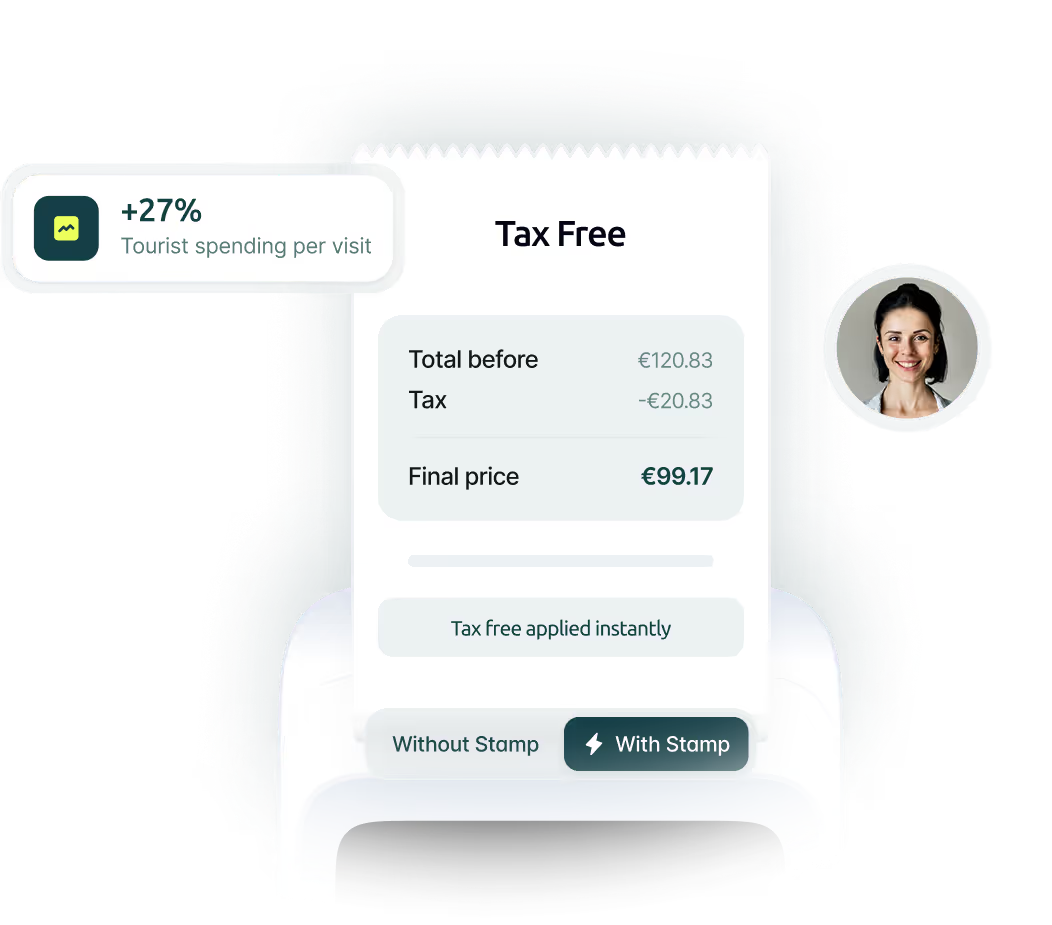
STAMP manages the Real Tax Free transaction and assesses the risk. Eligible travellers pay without the VAT-equivalent amount at checkout and complete the required customs validation.


1
Register/Identify the shopper
Three ways to register. Zero friction.
via the app
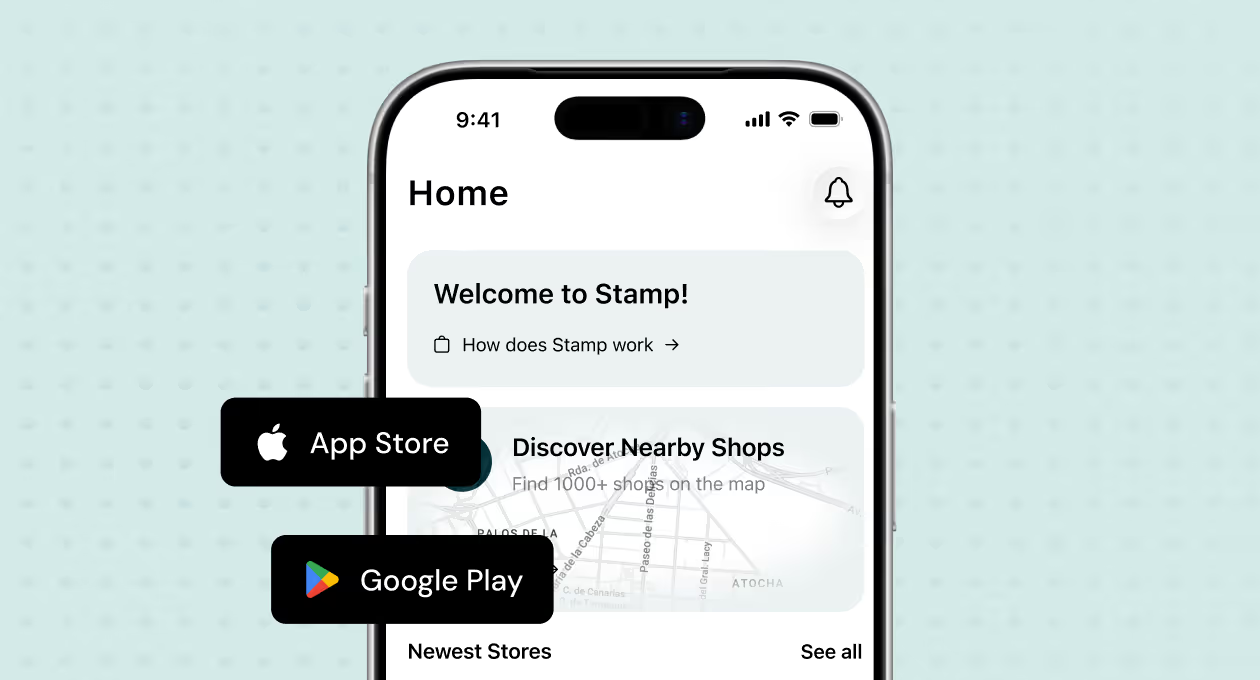
Via the Stamp App
The customer downloads the STAMP app, creates their profile and arrives at checkout already registered.
in-store
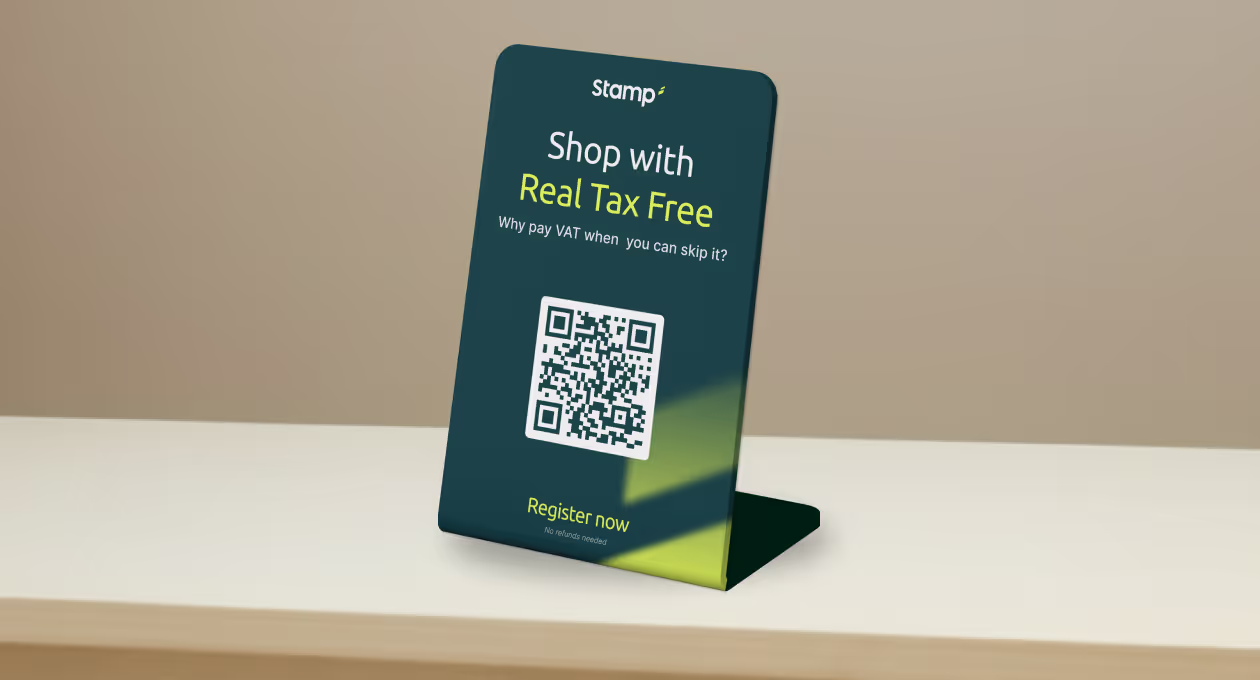
Via QR code
Show the customer the STAMP QR code at the counter or from the Merchant Portal. The customer scans it and registers on their phone.

Directly through the Merchant Portal
If the customer has difficulty registering, your team can help by registering them through the Merchant Portal.


Checklist for activating Real Tax Free in your store in Spain
checklist-for-activating-real-tax-free-in-your-store-in-spain2
Generate Tax Free invoice
Generate your invoices instantly through the Stamp portal & get real time invoice status.

Generate the invoice from the Merchant Portal
Select the registered customer and enter the sale details. The retailer issues the required Tax Free documentation through the agreed process. You can view transactions in the dashboard.
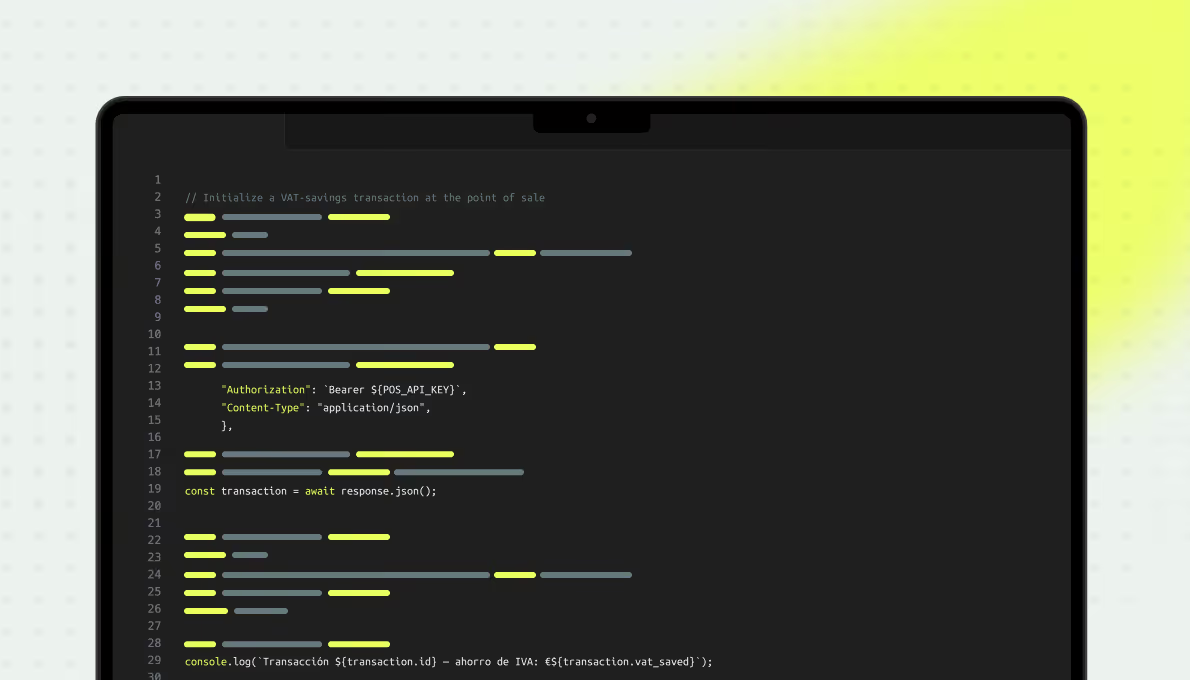
Connect Stamp directly to your POS
As an alternative to the portal, you can explore integrating STAMP with your POS system. Check compatibility and the required steps with STAMP and your provider.
3
Let your customer pay without VAT
Your customer pays the VAT-free price directly, with their own preferred payment method.

VAT is always guaranteed by Stamp
For every Real Tax Free transaction, STAMP guarantees the retailer payment of the VAT-equivalent amount, even if the traveller does not complete customs validation.
Read the Real Tax Free activation checklist

contact us
Start maximizing visit potential
Join the merchants already simplifying Tax Free, attracting tourists, and offering frictionless payment experiences.